Stay in the window
Previous, pause, and next sit in the notch. Click the art or the title and NotchShark opens the app, or the browser tab, that is playing.
 NotchShark
Hover it. The track, today's calendar, a focus timer, and your files open in one shelf. Move on and it closes, so you stay in the window.
See how it opens

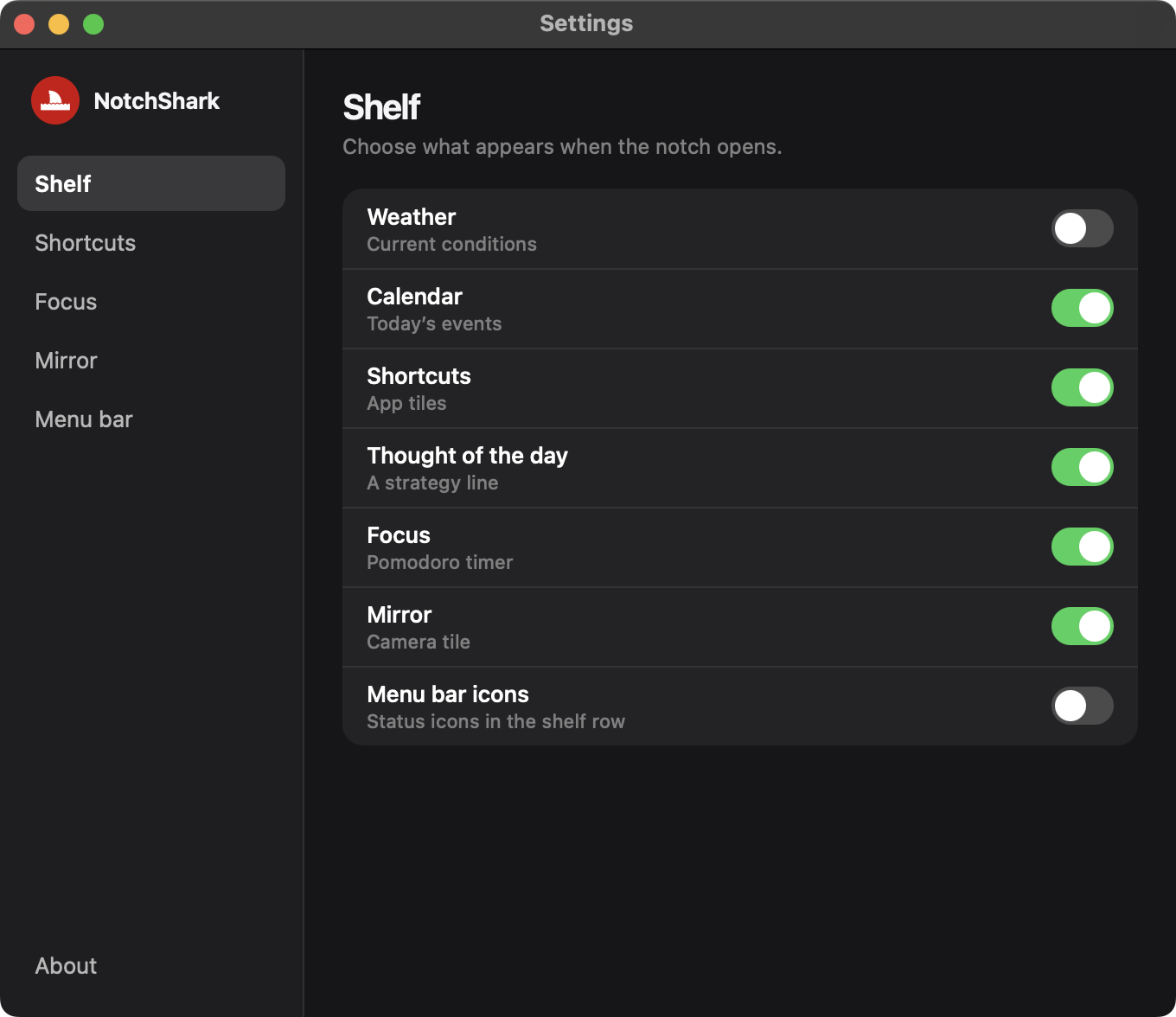
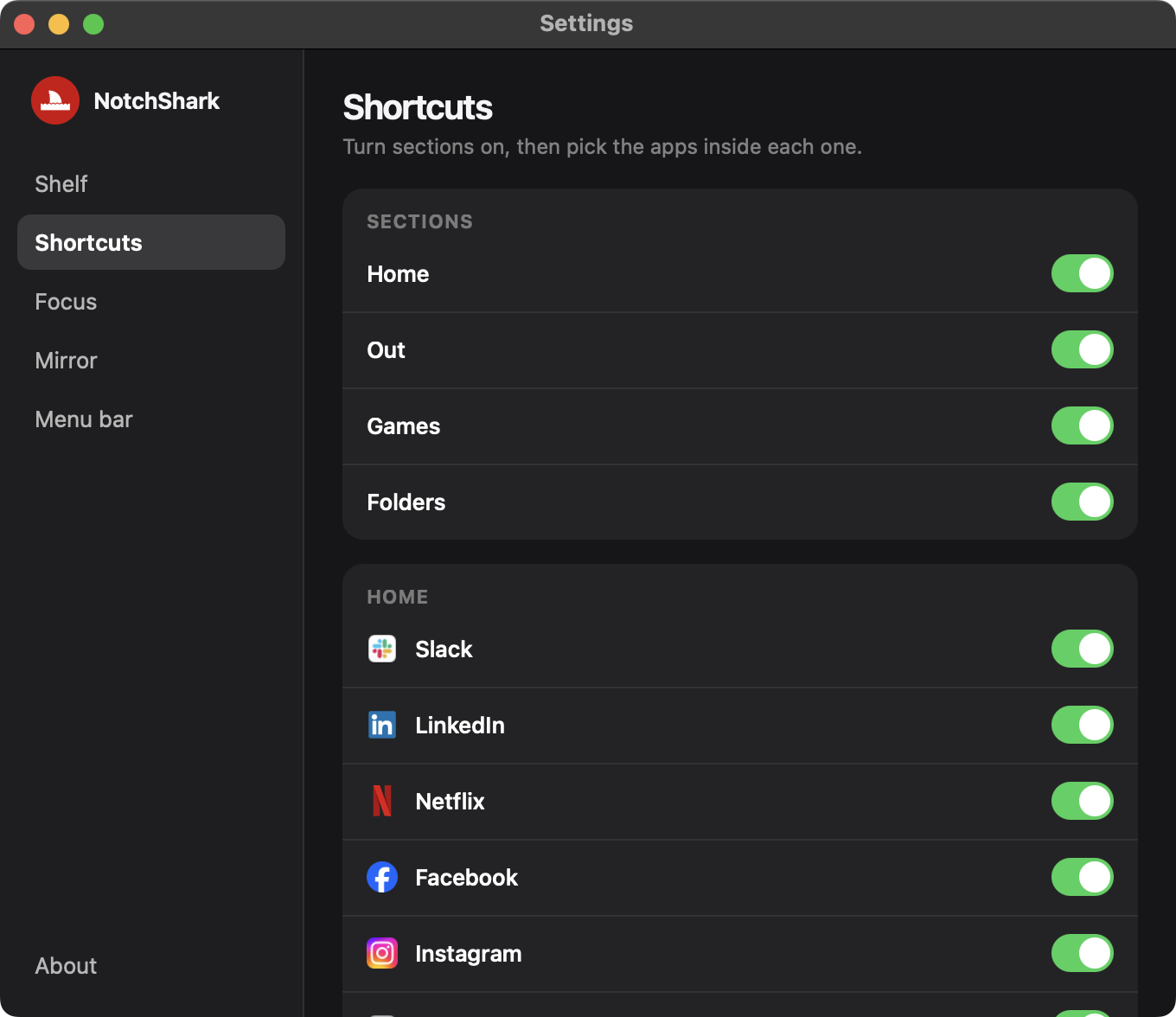
The notch is already in your eye line. NotchShark uses that spot, then gets out of the way.
Previous, pause, and next sit in the notch. Click the art or the title and NotchShark opens the app, or the browser tab, that is playing.
Today's events sit on the shelf, so a glance replaces a trip into the Calendar app.
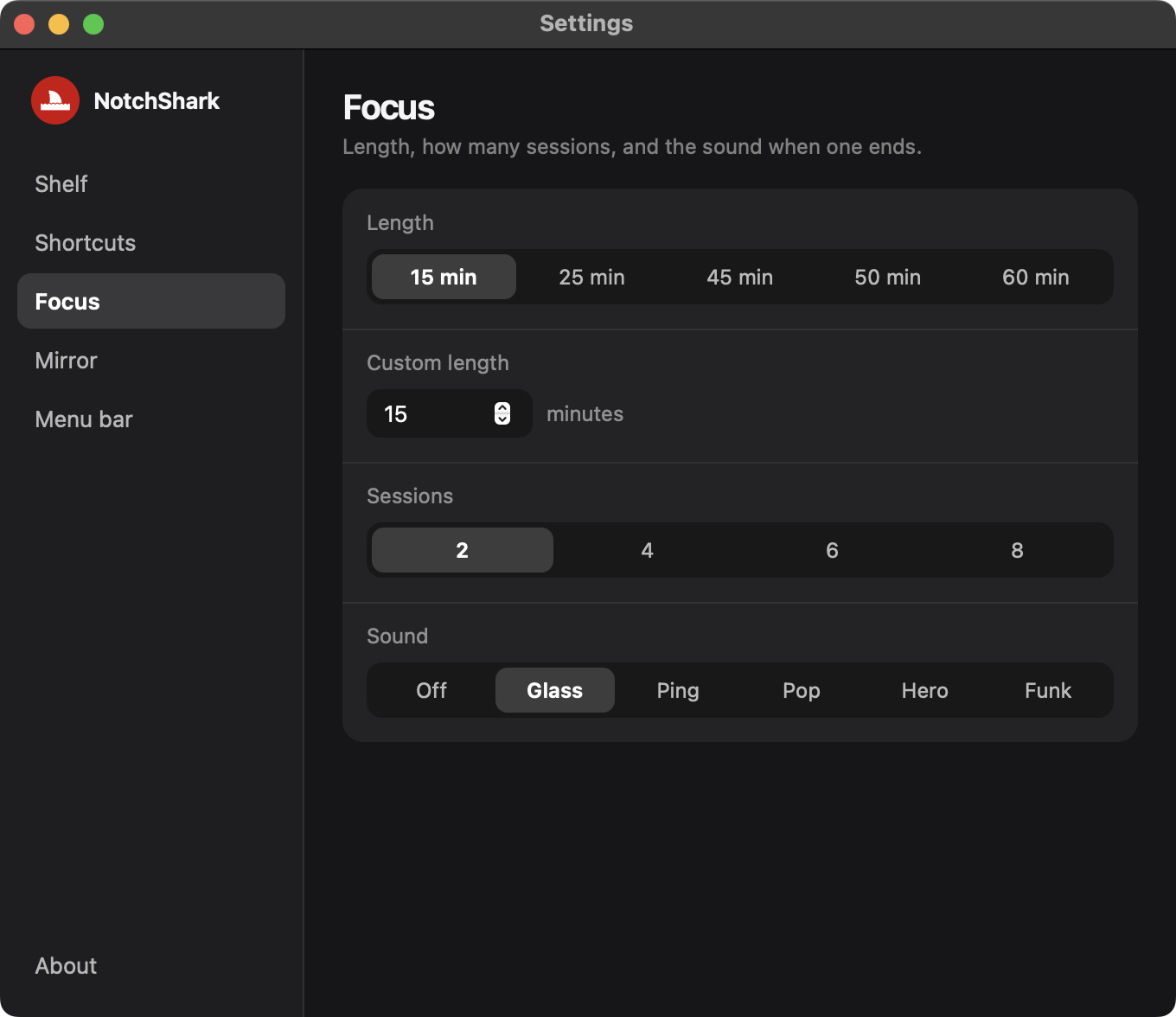
Presets are 15, 25, 45, 50, and 60 minutes. Custom length is any whole number from 1 to 180 minutes.
Drop up to 16 files on the shelf. Drag one out and NotchShark copies it into the Finder folder under the pointer.
Move the pointer off the shelf and it closes in about a quarter of a second. The menu bar is yours again.
Calendar, focus, files, shortcuts, the quote, and the camera mirror each have a switch in Settings.
Look up.
Stay in the work.
One shelf. No extra window, and no Dock icon.
01
On a Mac with no notch, hover the top center of the screen. The shelf opens at once.
02
Skip a track, check today, start a focus timer, drop a file, or open a shortcut.
03
The shelf closes in about a quarter of a second. Click the black fin in the menu bar when you want to quit.
There are no customer quotes on this site yet. These are the product facts.
Nothing to sign in to. The shelf reads this Mac, then keeps the result here.
Dropped paths stay in a local tray. Dragging one out copies it into Finder.
Calendar, automation, accessibility, and the camera are the system prompts macOS already uses. Details are on the privacy page.
Macs on macOS 14 or later. If the Mac has no notch, the shelf opens from a strip at the top center of the screen.
No. NotchShark is a menu bar app. A black fin sits in the menu bar. Click that fin to quit.
What is playing, today's calendar, a focus timer, files you dropped, shortcuts to apps on the Mac, a camera mirror, and a thought of the day.
Music, Spotify, and a video playing in a browser tab. Previous, pause, and next use the system now playing control. Click the art or the title to bring that app forward, or the browser tab whose title matches.
Yes. Presets are 15, 25, 45, 50, and 60 minutes. Custom length is any whole number from 1 to 180 minutes, set in Settings under Focus.
They stay in a tray on this Mac, up to 16 files. Drag one out and NotchShark copies it into the Finder folder under the pointer. Files are not uploaded.
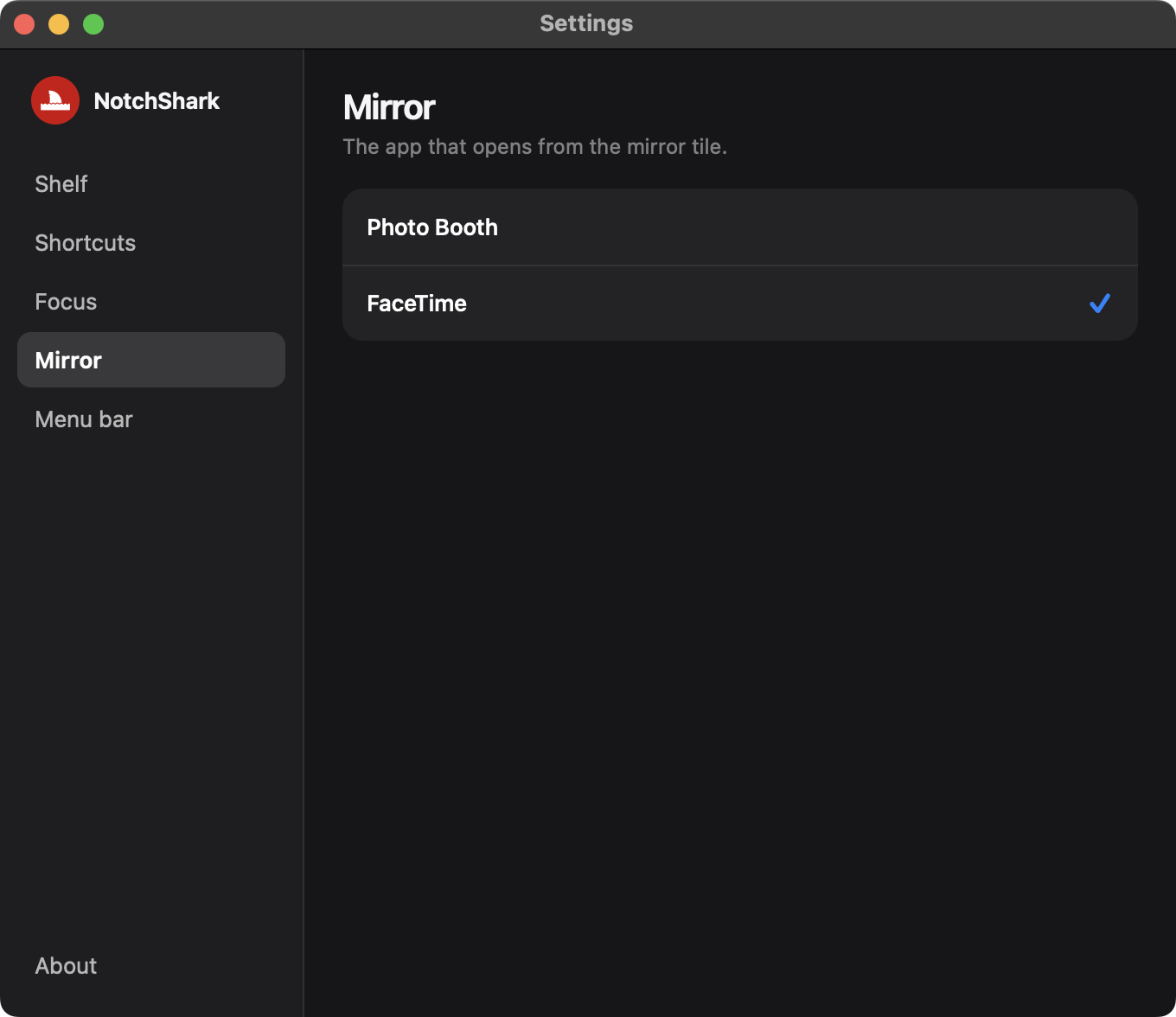
Calendar, to read today's events. Automation, to control Music, Spotify, and browsers. Accessibility, so the shelf can open when the pointer is on the notch. The camera is used only while the mirror is open. FaceTime is the default mirror app.
No. It does not ship third party catalogs or accounts. The thought of the day is a short public domain line from Sun Tzu, stored on the Mac. Music and calendar items are read from this Mac.
No. A Mac App Store price is not published on this site. The version in preparation is 1.0.
Use the support page. Include your macOS version, what you expected, and what the shelf did.
No NotchShark account. Each part of the shelf can be turned off in Settings. The Mac App Store version is in preparation.
See how it opens